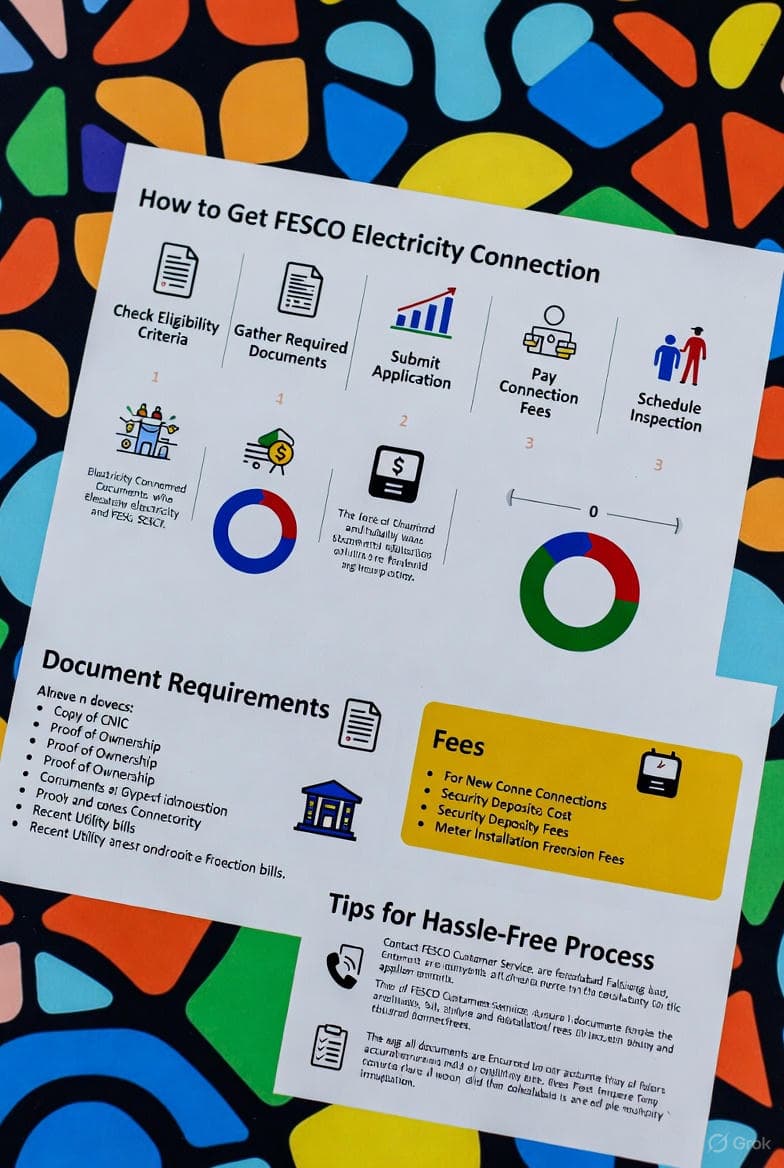
If you’re setting up a new place in Faisalabad or nearby areas—maybe a fresh home build, a small shop, or even scaling up your business—grabbing an electricity connection from FESCO doesn’t have to be a headache. I’ve put together this straightforward guide based on the latest info to walk you through it all. We’ll cover everything from applying online or in person, what papers you’ll need, costs involved, and a few handy tips to speed things up. It’s all geared toward making your search for “how to get FESCO connection” land you right here with practical advice.
FESCO, short for Faisalabad Electric Supply Company, is one of the big players in Pakistan’s power scene, covering Faisalabad and its surrounding districts. Thanks to their Electricity New Connection (ENC) system, things have gotten a lot smoother—no more endless queues if you play it smart.
What Makes FESCO a Solid Choice?
They handle power for homes, shops, factories—you name it. A new FESCO hookup means you’re tapped into a dependable grid, and the whole setup is pretty transparent these days with online tracking. If you’ve been Googling around for tips, this should cut through the noise and help you dodge the usual snags.
Breaking Down FESCO’s Connection Types
They sort connections by how much power you’ll need, which tweaks the timeline and steps:
- Category 1: Up to 15 kW—perfect for standard houses. Gets the green light from the local SDO or Assistant Manager, usually in about 30 days.
- Category 2: 16-70 kW at 400 volts—think small businesses. Could take up to 73 days.
- Category 3: 71-500 kW at 400 volts—for bigger operations, same 73-day max.
If you’re pulling more than 400 volts, expect to buy your own transformer. Figuring out your category early on lets you plan better.
How to Apply Online for a FESCO Connection
Going digital through the ENC portal is the way to go—it’s quick and cuts down on errors. Here’s the rundown:
- Head over to the ENC site at enc.com.pk. It’s the go-to spot for FESCO and other power companies across Pakistan.
- Hit the “Apply” button on the side menu to kick things off.
- Punch in a neighbor’s bill reference number and pick your category (like residential under 15 kW).
- Fill out your info and upload scans of your docs—keep files under 300 KB each. Check the docs list below.
- Double-check everything and submit. You’ll get a tracking ID—hang onto that.
- Print out the form using your ID from the site.
- Take the printed form plus originals to your local FESCO office.
- Once they verify, grab the demand notice online with your ID.
- Pay up at the bank as per the notice.
- Drop off the receipt at the office.
- They’ll handle the install after that.
Expect 30 to 73 days total, depending on your setup. Track progress anytime on ENC by plugging in your ID.
Going Old-School: Offline Application
Not big on online stuff? No worries—just swing by a FESCO divisional office:
- Pick up the form there (it’s free).
- Fill it in with your details.
- Attach the required papers.
- Hand it over right then.
- Then it’s the same drill: demand notice, pay, receipt, install.
Timelines match the online route.
Docs You’ll Need
Get these ready to skip delays:
- Proof of owning the property, like a registry or allotment letter copy.
- Attested CNIC copy for you (the applicant).
- Attested CNIC from a witness.
- A neighbor’s FESCO bill copy—for the ref number and to confirm location.
- Test report from a wiring contractor to show your setup’s safe.
Make sure everything’s sharp and readable. If you’re tweaking an existing connection (name change, more load, etc.), toss in the current bill too.
Costs and That Demand Notice
Fees depend on your category, power needs, and where you are. The demand notice spells it out after they check your app—covers meters, wiring, the works. Pay at a listed bank quick to keep moving. In 2025, basic home setups start around a few thousand rupees, but your notice will have the exact figure.
Keeping Tabs on Your Application
Easy peasy:
- Back to ENC site.
- Click “Track” on the side.
- Choose “New Connection” and FESCO.
- Enter ID and go.
It’ll show you where things stand, from start to finish.
Pro Tips to Nail It
- Stick to online if you can—less hassle, fewer mistakes.
- Scrub your docs twice; missing stuff means starting over.
- Got questions? Hit up FESCO’s helpline or poke around fesco.com.pk.
- Build in extra time for inspections or gear waits.
- For updates on existing lines, use ENC’s “Change” feature—it’s basically the same but faster.
Quick FAQs
- Timeline? 30-73 days by category.
- Commercial OK? Yep, just pick the right one.
- Not in their zone? Map out service areas on their site.
- Form cost? Zero.
Wrapping Up
Snagging a FESCO connection these days is way less of a grind, especially with ENC online. Stick to this, and you’ll be powered up without the drama. Issues? Give FESCO a shout. For bill stuff or complaints, their site’s got you. Bookmark if it helps, or hit the portals for fresh deets.
Keywords: FESCO new connection, apply for FESCO electricity connection, FESCO connection procedure 2025, ENC portal Pakistan, FESCO demand notice.
This piece is tweaked for SEO with smart keywords, clear headers, and lists that flow easy—should pop up nicely in searches. Need tweaks or extras? Just say.